How to purchase advance tickets (Bitfan Pass)
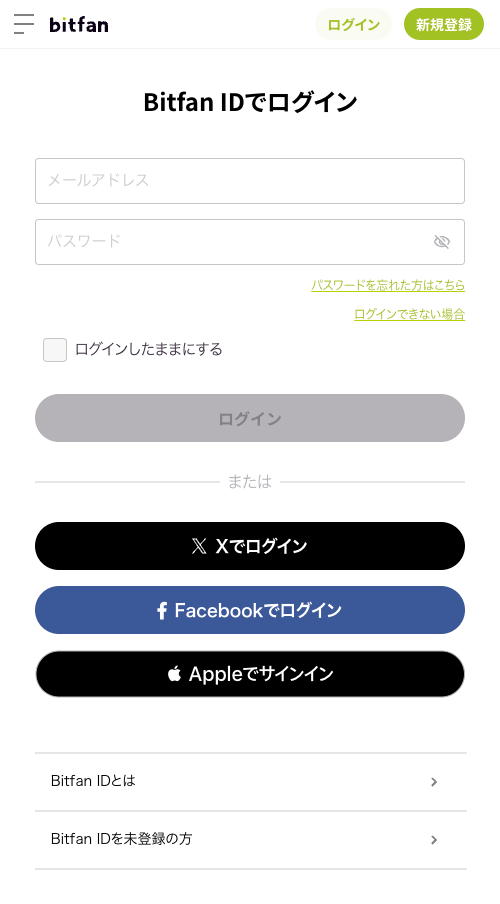
【①Log in】
Tickets can be purchased from the URL on the ticket sales page.
Please log in with your Bitfan account.
To obtain a Bitfan ID, click [here]
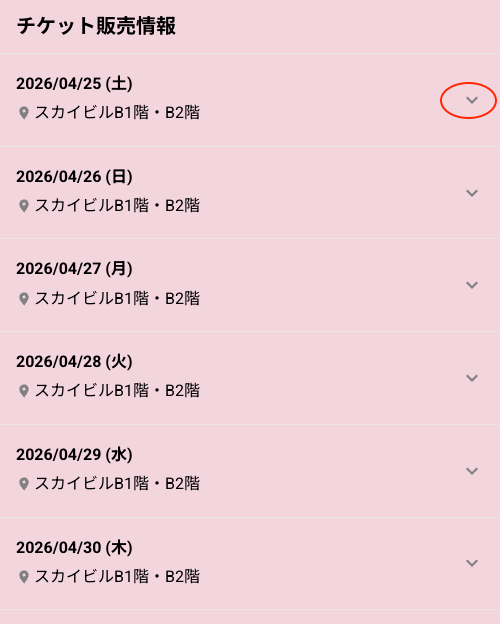
【②Purchase tickets】
Select the ticket you want to purchase.
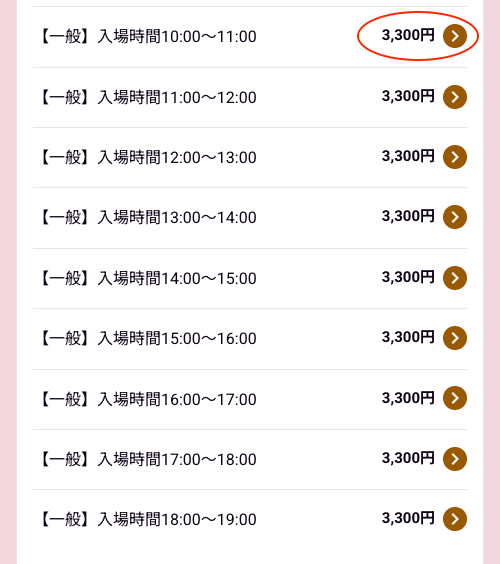
Click on the price displayed in the details section to purchase your ticket.
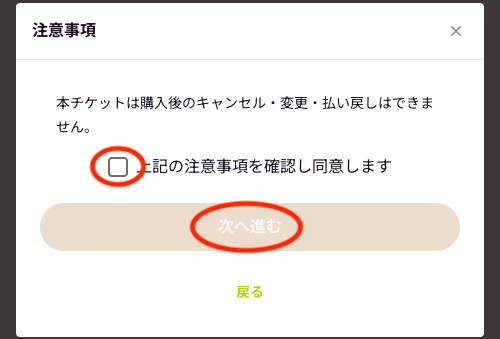
Please double check that you are purchasing the correct ticket and read the notes.
Select a payment method.
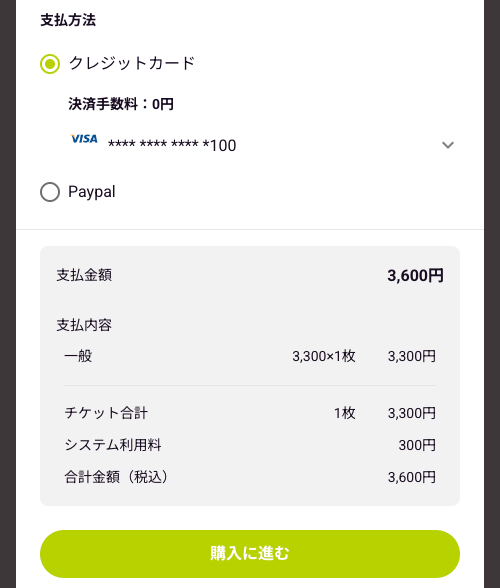
Once you have confirmed your payment details, click "Purchase with this content."
You can check your purchased tickets from My Page > Tickets
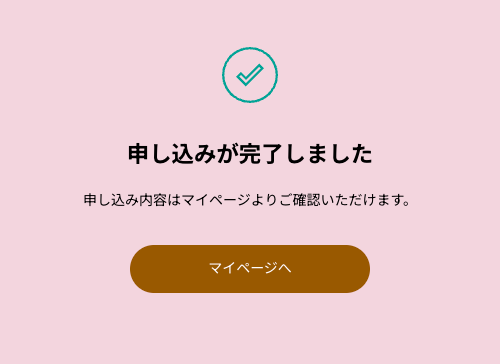
*If the ticket you purchased does not appear in the ticket section,
the account you are logged in with may be different from the account you purchased it with.